Your Scientists Were So Preoccupied
That they forgot to ask whether SSHing into an AI coding agent from a phone was a good idea.
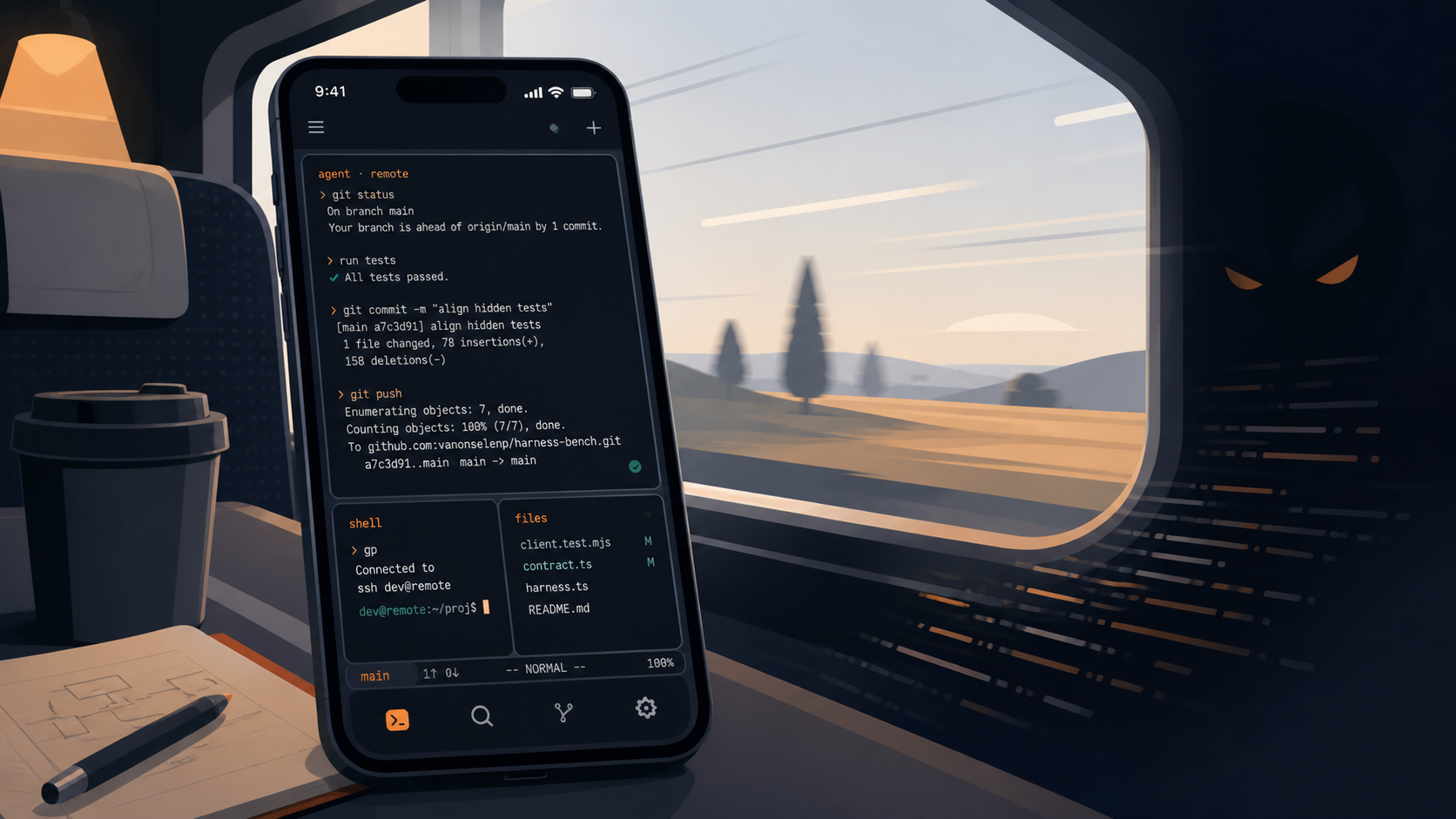
This is a thing you should not do. I want to say that up front, before any of the rest of it, because the rest of it is a reasonably well-considered guide to doing the thing, and I do not want anyone reading the guide bit and thinking that I am endorsing what comes after it.
The phone is already a distraction device of doom. I have spent a non-trivial amount of effort over the last couple of years trying to make mine less of one, with limited success. What I am about to describe takes that distraction device of doom and turns it into a distraction device of doom that can also write and ship code. This is, on every reasonable axis I can think of, a worse situation than the one I started in.
But.
I was on a train recently. One of those medium-length train journeys that everyone in the UK eventually finds themselves on. About an hour and a half. Two or three changes. Never quite enough uninterrupted sit-down time for pulling out a laptop to make sense. You can read a book. You can stare blankly at your phone. What you cannot do is meaningfully open an IDE and ship a feature. And yet there I was, with a project I wanted to be working on, several connections to make, and a phone in my pocket. So I built the thing. Here is how.
The bits you need
You need Tailscale. You need mosh. You need Termius. You need remobi. You need tmux. And if you are doing this from a Mac that lives plugged in with its lid open, you need to know that caffeinate -is exists. You also need enough self-control not to use any of this irresponsibly, which is where the plan begins to fall apart.
Tailscale
Tailscale is a way of pretending that two devices on entirely different networks are actually on the same one. You install it on your laptop, you install it on your phone, and from that point on the two of them have stable IPs that work no matter which café WiFi or train 4G you happen to be straddling at the time. This is the foundation. Without this, none of the rest works, because your phone has no idea where your laptop is and your laptop has no interest in being found by random strangers on the internet, both of which are correct positions for them to hold.
mosh
SSH is a beautiful protocol that falls apart the moment your connection blinks. Trains go through tunnels. 4G drops to 3G drops to nothing and back again. SSH does not enjoy this. Mosh does. Mosh is a shell client and server that survives the kind of network conditions you get when you are physically moving through countryside at speed, which is exactly the situation we are designing for here.
tmux
You want a terminal session that just keeps running on your machine whether you are connected to it or not. tmux is the obvious answer. Start a session, leave it there, reattach to it later from whatever client you happen to be using at the time. This is the bit that makes the whole thing feel less like a fragile remote connection and more like walking back to a desk you left an hour ago.
Termius
Termius is a genuinely lovely SSH client. It runs on your phone, it knows about your Tailscale IPs, and it gives you a terminal that you can just type into. You hit your laptop over mosh, attach to your tmux session, and away you go. If your agent of choice is Claude Code or Codex CLI or OpenCode or whatever flavour of the week you are running, this is enough to be productive. You point it at the thing, you tell it to go, and you watch it work.
remobi
remobi is the bit that turned this from “technically possible” into “actually quite nice.” It was written by Connor Adams, who is one of those quietly talented engineers who keeps producing useful things while the rest of us are still talking about producing things. What it does is run a little server on your machine that exposes your tmux session over HTTP, which means you can wrap it up as a desktop app on your phone and just tap to be back where you were.
The reason this matters is that the UI is better than typing into a phone-shaped SSH client. You get native scrolling. You get sensible zoom. You get a layout that does not require you to remember which gesture corresponds to which control sequence. It feels less like fighting your phone and more like using it.
caffeinate
If your laptop is the kind of laptop that lives plugged in with the lid open, you have two problems. First, you need to enable Remote Login, which is the kind of setting you turn on once and then forget exists until you need it again. Second, you need caffeinate -is, which is a macOS command I did not know about until very recently and which apparently ships with the operating system. It tells the system to stop being clever about going to sleep when the display turns off. Run it, leave it running, and your machine stays awake long enough to actually be useful as a remote target.
So now what
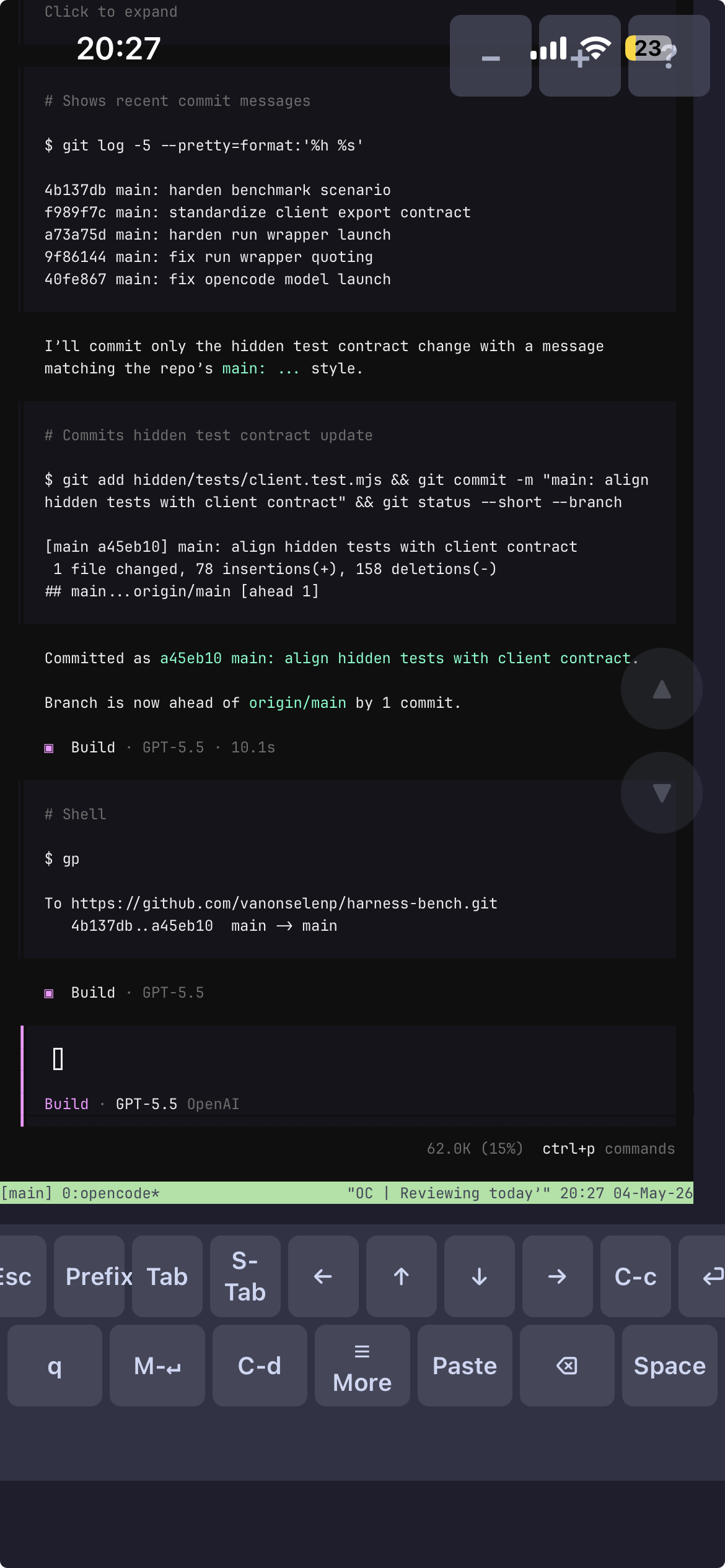
Now you have the ability to write code from your phone, anywhere, regardless of whether you are sitting at a desk or wedged into a train seat with your bag on your lap. You can kick off an agent, watch it work, course-correct it, and have something meaningfully shipped by the time you arrive at wherever you were going. On the train I was on, this would have neatly solved the problem of being bored and wanting to work on something I could not work on.
I should mention, in fairness, that you could probably do most of this with Claude Code’s mobile app and save yourself the entire setup. That is true. The reason I did not is that I am stubbornly committed to not being locked into any one AI toolset, which means I want the option to point this same setup at Codex and OpenCode and Claude Code and whatever else I happen to be running that week. So I have reinvented a wheel that already exists, in order to have a wheel that I own.
The bookend
Here is the thing though. I am not actually sure I have done myself any favours.
The phone, as previously established, is the world’s ultimate distraction device. I am, very slowly and with mixed results, trying to make mine less of one. And what I have done here is take that device, the one that is already eating more of my attention than I would like, and given it a brand new way to consume me. Now it is not just a thing I pick up to check the time and put down forty minutes later wondering where the time went. Now it is also a thing I can pick up to “just quickly check on the agent” and put down forty minutes later wondering where the time went, except this time I have shipped half a feature I had not actually decided I wanted to ship yet.
I was so busy thinking about whether I could that I did not stop to ask whether I should. Friends, I should not have. Your mileage may vary.